Engineering notes
VPS egress fees and server traffic costs
VPS egress fees can turn ordinary traffic into an unpredictable bill. Learn how providers count transfer, where charges arise, and how to assess the risk.
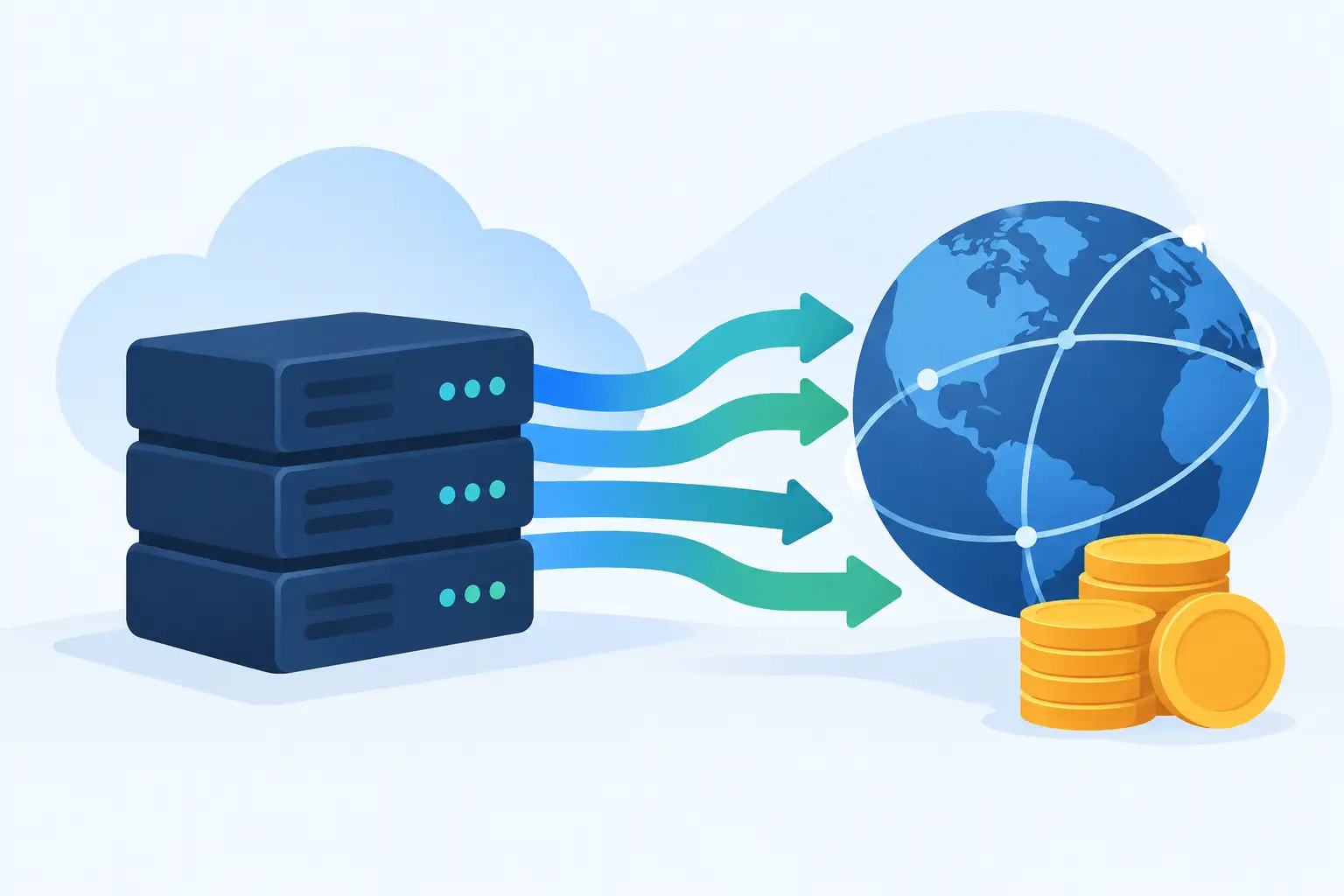
A server that costs a few pounds a month can produce a much larger bill if its traffic is priced separately. VPS egress fees are charges for data leaving a provider's network, usually towards users, other servers, storage services or the public internet. They are easy to overlook when an application is quiet, then hard to ignore when a download, backup or traffic spike arrives.
For a self-managed VPS, the practical question is not whether your application sends data. It does. The question is whether that outbound traffic is included in the server price, capped at a stated allowance, or charged by the GB after the fact.
What VPS egress fees actually cover
Egress means outbound network traffic. When a visitor loads a page from your server, the HTML, images, JavaScript and API response travel outwards. When a customer downloads an export, your application sends emails with attachments, or a reverse proxy serves a container image, that is egress too.
Inbound traffic is the opposite: requests arriving at the VPS, files uploaded by users and data pulled from another service. Many providers make inbound traffic free while charging for outbound traffic. This sounds reasonable until you remember that a modest inbound request can generate a much larger response. A 2 KB request for a 20 MB file is mostly billable egress on a metered platform.
The exact boundary matters. A provider may apply different rules to internet traffic, transfers between regions, traffic to object storage, private-network traffic and content delivery network origins. A VPS plan advertised with a large transfer quota may still have separate charges for one of those paths.
Why egress charges create awkward surprises
Compute usage is usually predictable. You know roughly how long a server runs and what its hourly or monthly rate is. Network usage follows user behaviour, automation and occasionally abuse. That makes it much less predictable.
A small application can become bandwidth-heavy without a code deployment. One popular post, an exposed file directory, a misconfigured backup task or a scraper repeatedly fetching expensive endpoints can change the numbers quickly. Attack traffic is another consideration. A denial-of-service event may not be your fault, but it can still consume transfer allowance or trigger network controls depending on the provider and the type of traffic.
The issue is not that usage-based pricing is inherently wrong. It can suit workloads with known, low outbound transfer. The problem is treating the headline VPS price as the whole cost when the traffic model is unclear.
The difference between an allowance and unmetered traffic
A transfer allowance gives you a defined amount of outbound data, such as 1 TB per month. Once used, the provider may charge an overage, reduce throughput, suspend the service, or ask you to upgrade. Read the policy rather than assuming which outcome applies.
Unmetered traffic means traffic is not billed per GB under the normal service terms. It does not mean a server can be used for anything at any volume. Providers still need acceptable-use rules, abuse handling and capacity management. In practice, the useful distinction is simple: ordinary legitimate VPS traffic should not create a separate egress line item.
Vozora doesn't currently charge for network traffic. You still need to secure and operate the machine properly.
How to estimate the exposure before deploying
Start with the payload your users receive, not just the number of requests. For a web application, inspect typical page weight, API response size and downloadable assets. Then estimate monthly deliveries.
Suppose an application serves a 3 MB dashboard load to 40 users, 20 times a working day. That is about 2.4 GB per day before counting API calls, package downloads, uploads returned to users and cache misses. Over 22 working days, it is roughly 53 GB. That may be trivial under one provider's allowance and a noticeable charge under another provider's egress rate.
Static files change the calculation faster than most application code. A 200 MB release file downloaded 500 times is nearly 100 GB of outbound data. A nightly database backup sent off-site can also be material, although it is often overlooked because it is operational traffic rather than customer traffic.
Use GiB and GB carefully when comparing figures. Providers may price decimal GB while Linux tools report binary GiB. The difference is not usually the main problem, but a cost model should use the provider's stated unit. Also check whether billed transfer counts retransmits, protocol overhead or only application payload.
Questions to ask a VPS provider
Before treating a VPS price as predictable, establish the traffic terms in writing. The useful questions are specific:
- Is outbound internet traffic included, and is there a monthly allowance?
- What happens when the allowance is exceeded: overage billing, throttling or suspension?
- Are backups, private networking, snapshots and object storage transfers priced differently?
- Is traffic measured per server, per account or across the billing month?
- Does the provider publish a fair-use or prohibited-usage policy that affects high-volume services?
Also establish whether the advertised IP arrangement matches your use case. A unique routed public IPv4 makes direct hosting, firewall rules and service exposure more straightforward than a shared address or NAT arrangement. It does not alter egress pricing by itself, but it can affect the architecture you need to build around the VPS.
Reduce traffic you do not need
Included bandwidth is not a reason to waste it. Unnecessary transfer can degrade application performance, increase backup windows and conceal faults until they become more serious.
Enable compression for text responses, set sensible cache headers and avoid repeatedly serving unchanged build assets. Put a size limit on uploads and downloads where your product permits it. For APIs, paginate large responses and avoid endpoints that return whole tables by default. These are performance decisions first, but they also make usage easier to understand.
Backups deserve separate attention. A full database dump every night copied across the internet may be perfectly appropriate for a small system, but it should be intentional. Retention policies, compression and incremental backup methods can reduce repeated transfer. More importantly, test restores. A cheap backup that cannot be restored is not a cost saving.
Monitor outbound traffic at both the host and application layers. Interface counters can tell you that traffic increased; access logs, reverse-proxy metrics and application telemetry can tell you why. Alert on unusual sustained outbound rates, not merely total monthly usage. A sudden stream of downloads may be legitimate demand, a faulty job or an exposed service being abused.
Egress pricing is an architecture decision
For a private WireGuard endpoint used by a few colleagues, egress charges may barely matter. For a public software mirror, media service, game-server download endpoint or API with large responses, they can be a central hosting cost. The same VPS specification can be economical for one and unsuitable for the other.
A CDN, object storage or a separate download service can still be the right design for high-volume public files. It may improve latency and protect the origin server. But use it because it solves a delivery problem, not because the VPS bill forced an avoidable workaround. Compare the complete cost: server, storage, requests, origin transfer and operational complexity.
When comparing providers, put network terms next to CPU, RAM, NVMe capacity, public IPs and support boundaries. A lower monthly VPS rate with a strict traffic cap is not automatically cheaper than a slightly higher rate with traffic included. The useful comparison is your expected monthly bill under normal use, plus what happens during an unusually busy month.
The best traffic policy is one you can explain before provisioning the server. If you cannot tell whether 200 GB of outbound data changes the bill, you do not yet have a predictable VPS cost.